pytorch in 1 hour
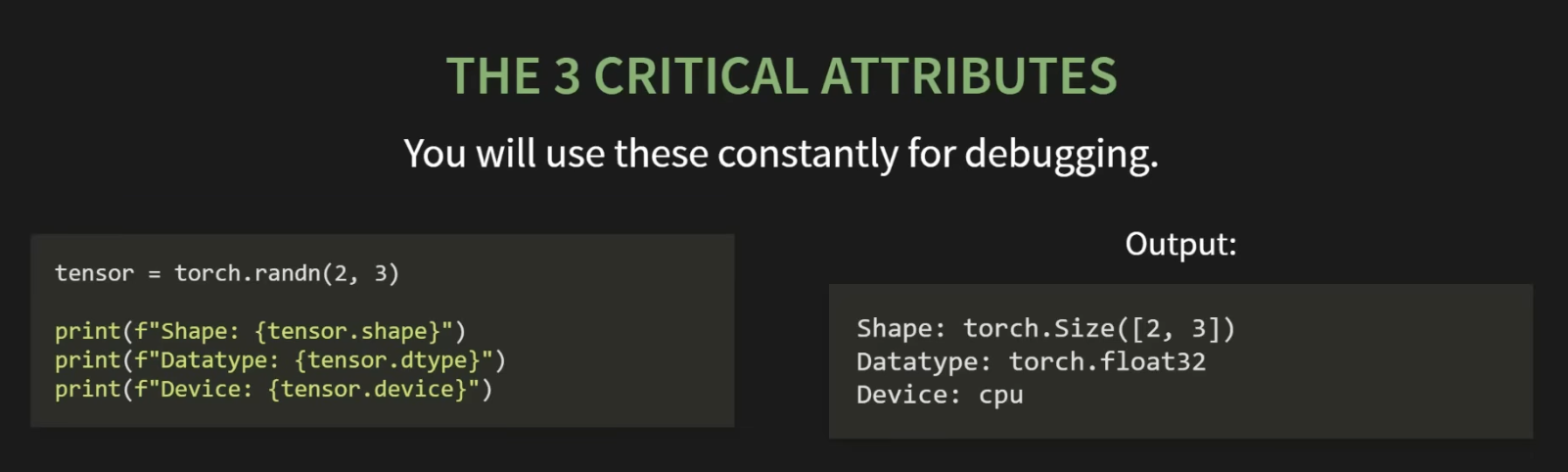 .shape → a tuple describing the dimensions #1 debugging tool
.device → where the tensor lives. cpu or cuda (GPU)
.dtype → the data type of the numbers. The default is float32 (because of backprop and gradients)
.shape → a tuple describing the dimensions #1 debugging tool
.device → where the tensor lives. cpu or cuda (GPU)
.dtype → the data type of the numbers. The default is float32 (because of backprop and gradients)
model weights and biases must be a float32 (standard) data that represents categories or counts can be integers
Autograd - Automatic Differentiation
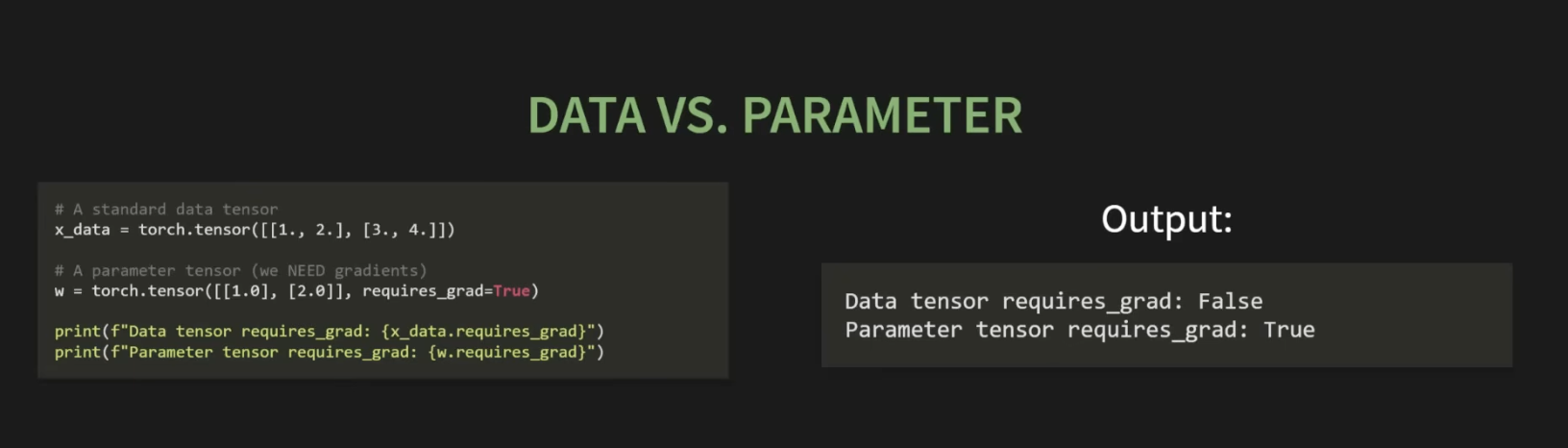
- it is python’s built in gradient calculator, and can be turned on using requires_grad=True
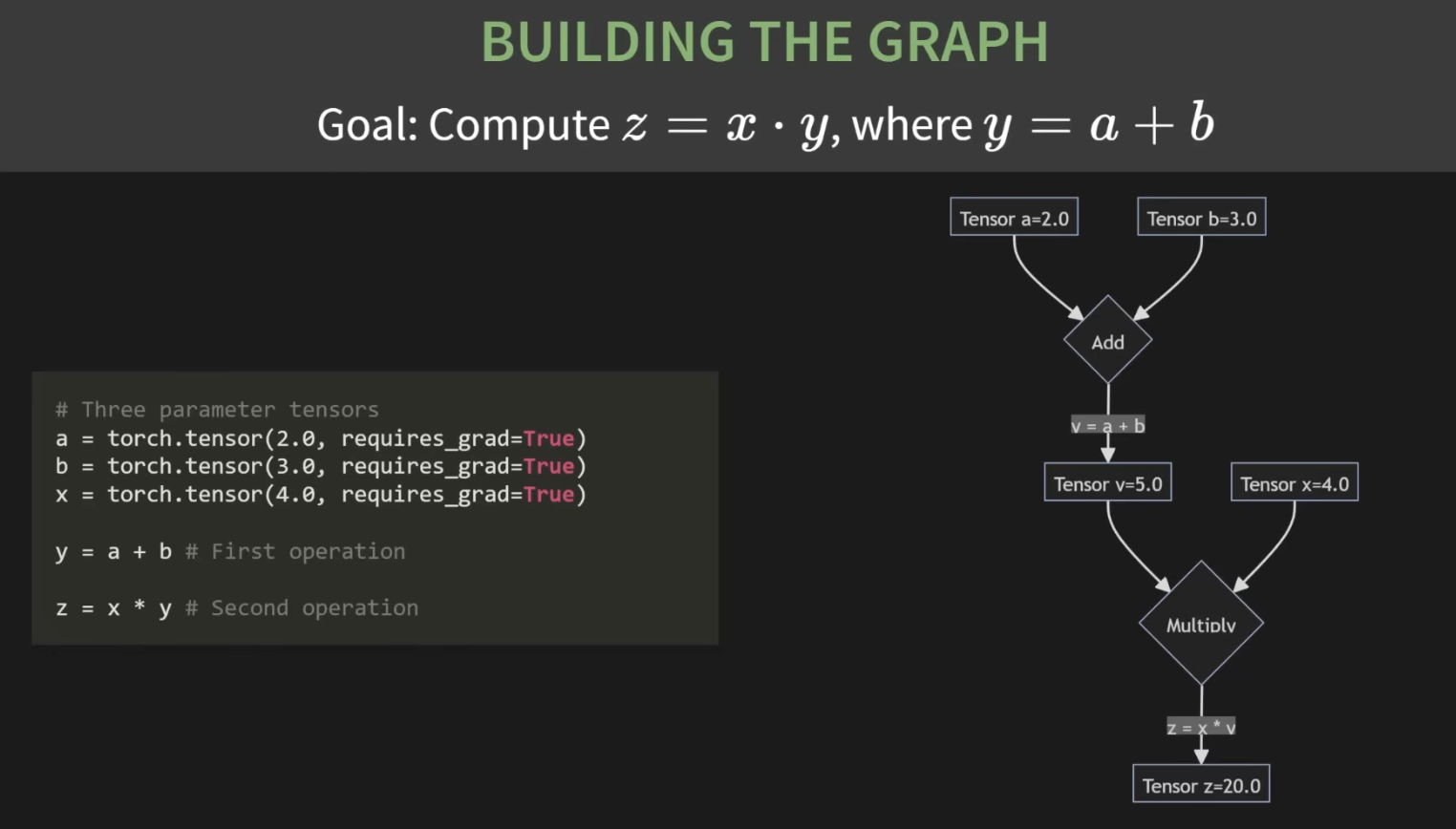
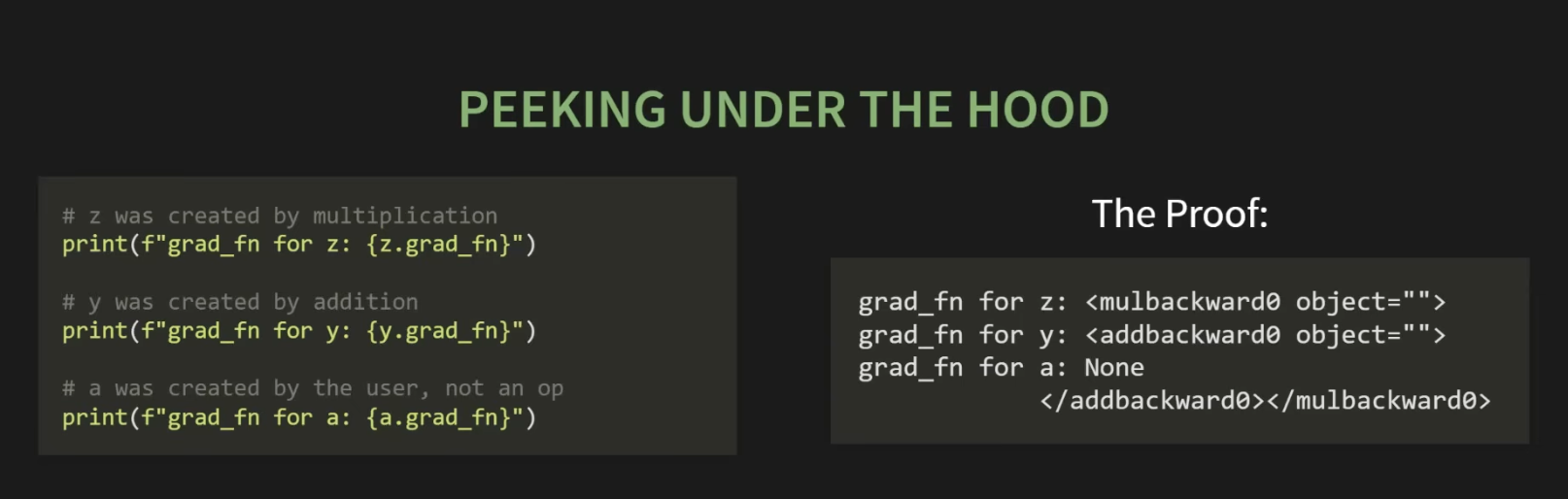
- to tell pytorch a tensor is a learnable param we must set requires_grad=True, doing so pytorch tracks every single operation on that tensor!
The difference between * and @ in pytorch
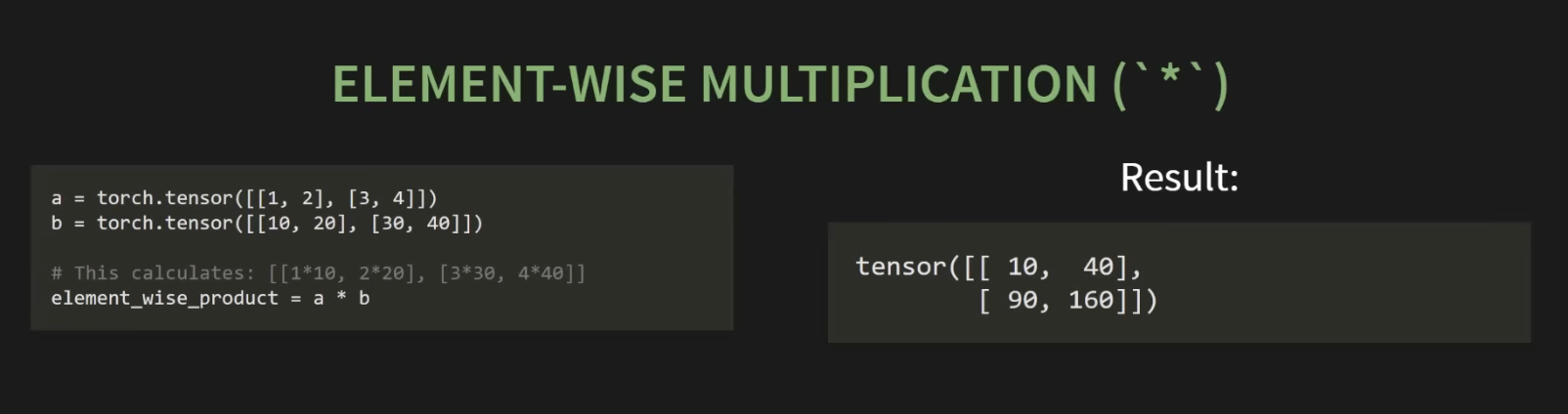
-
for @ multiplication m1 col = m2 rows - used for neural networks
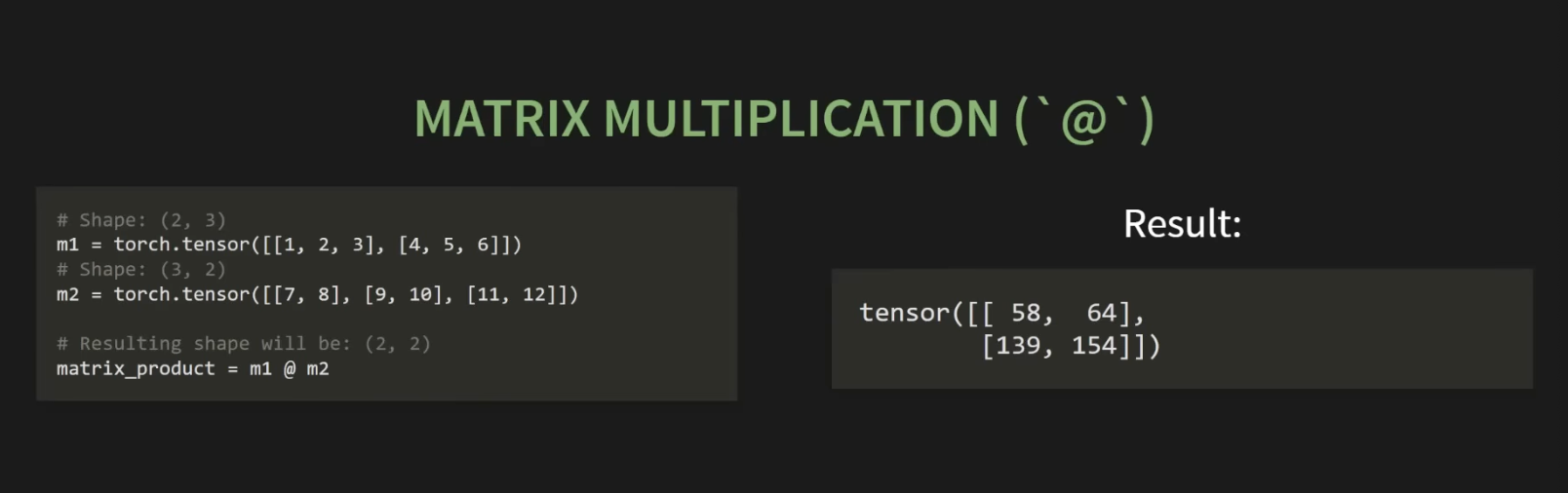
-
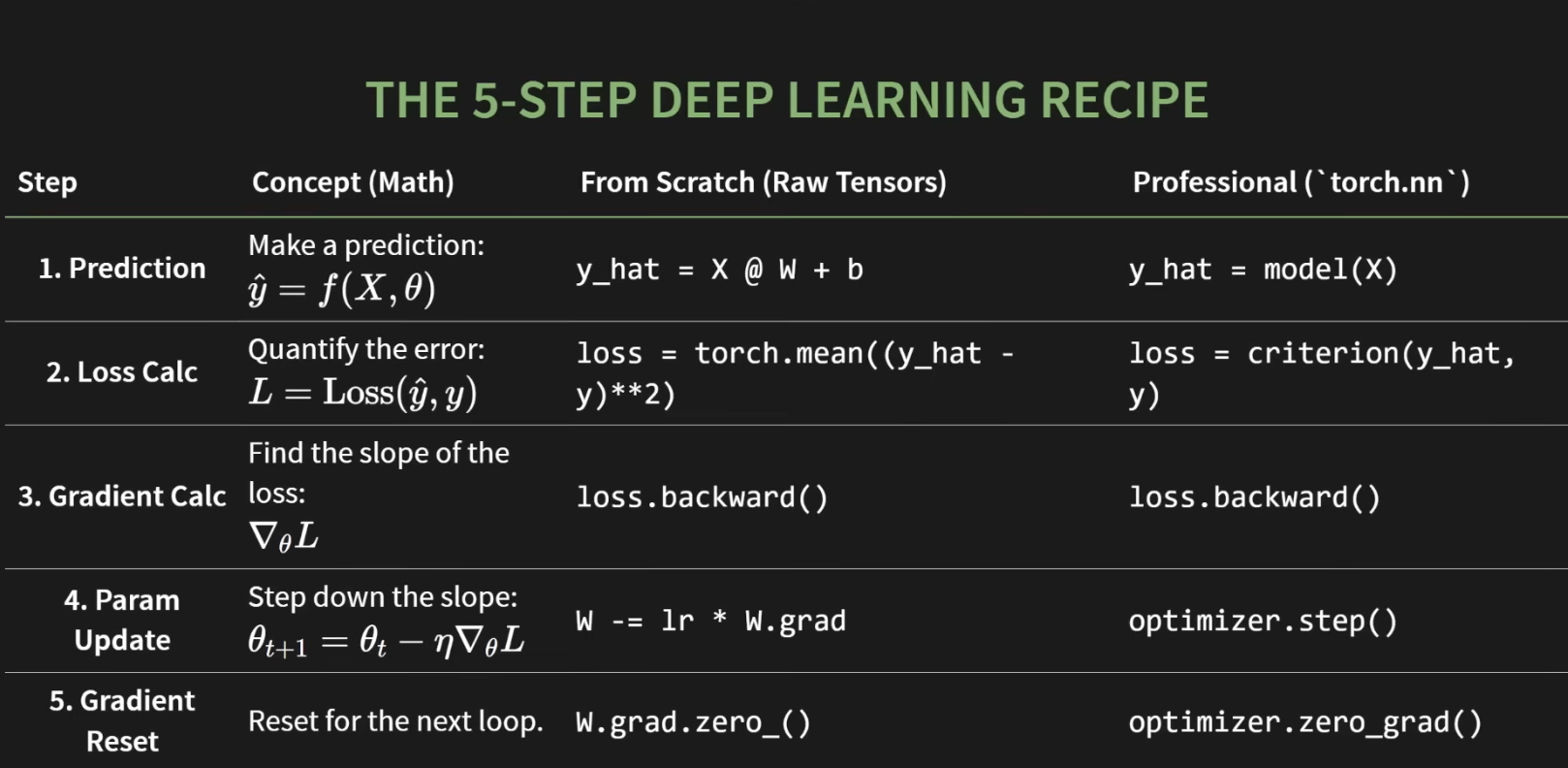
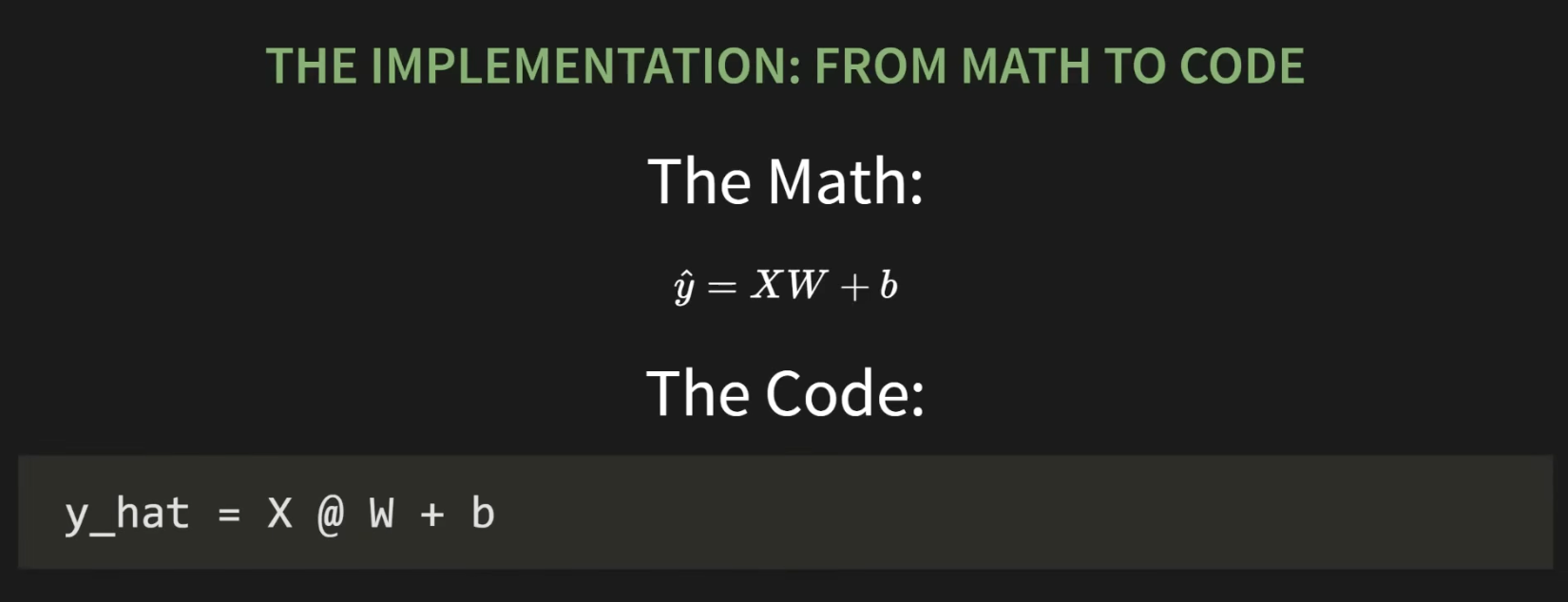
when building a linear layer always use @ → y = X@W + b
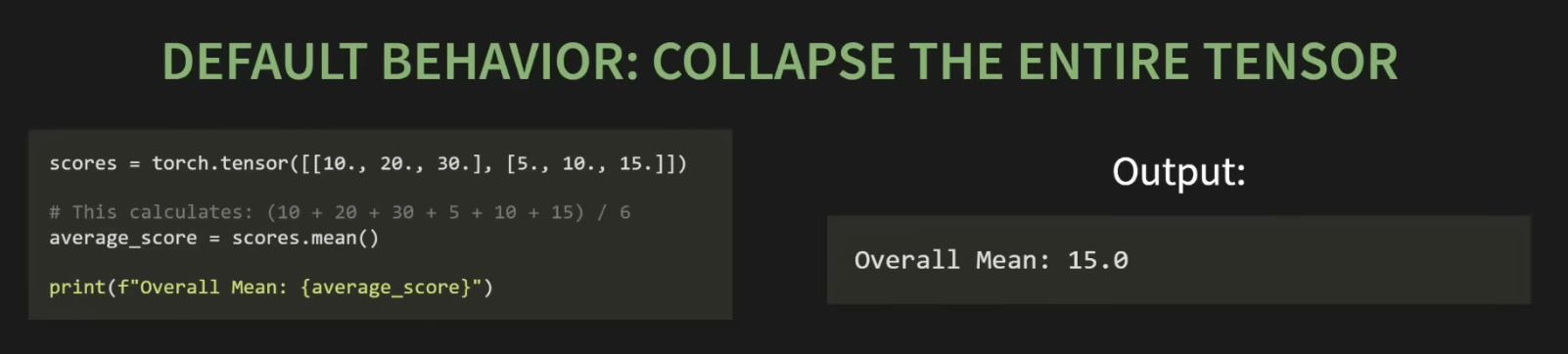
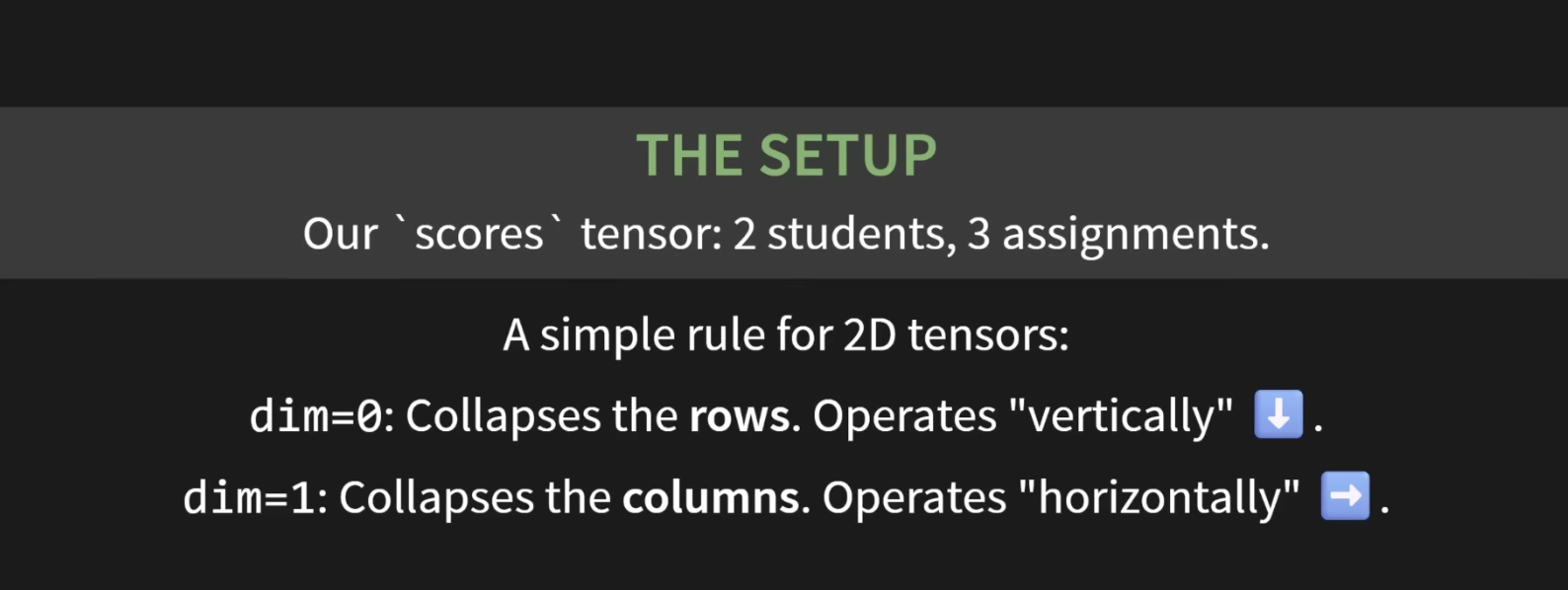
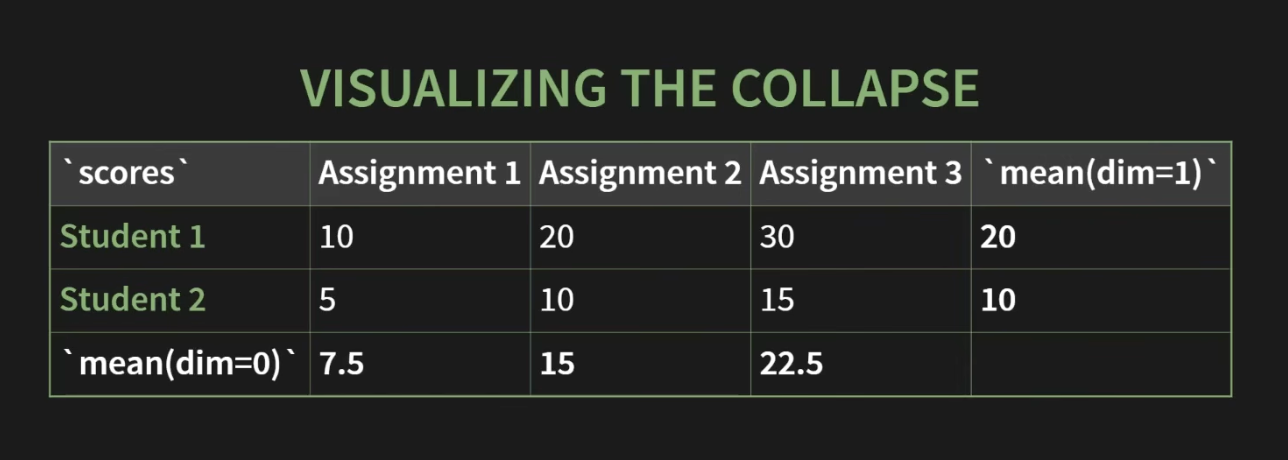
Reduction - any operation that reduces a tensor to a smaller number of elements ex- sum(), mean(), max() etc.
dim arg
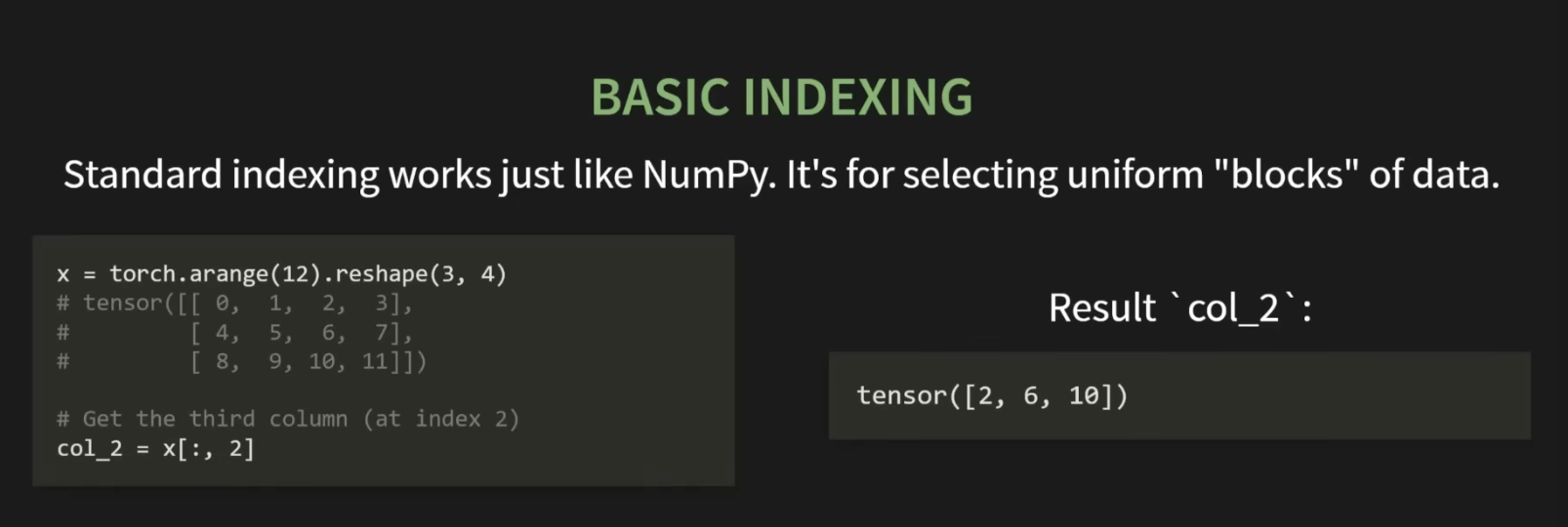
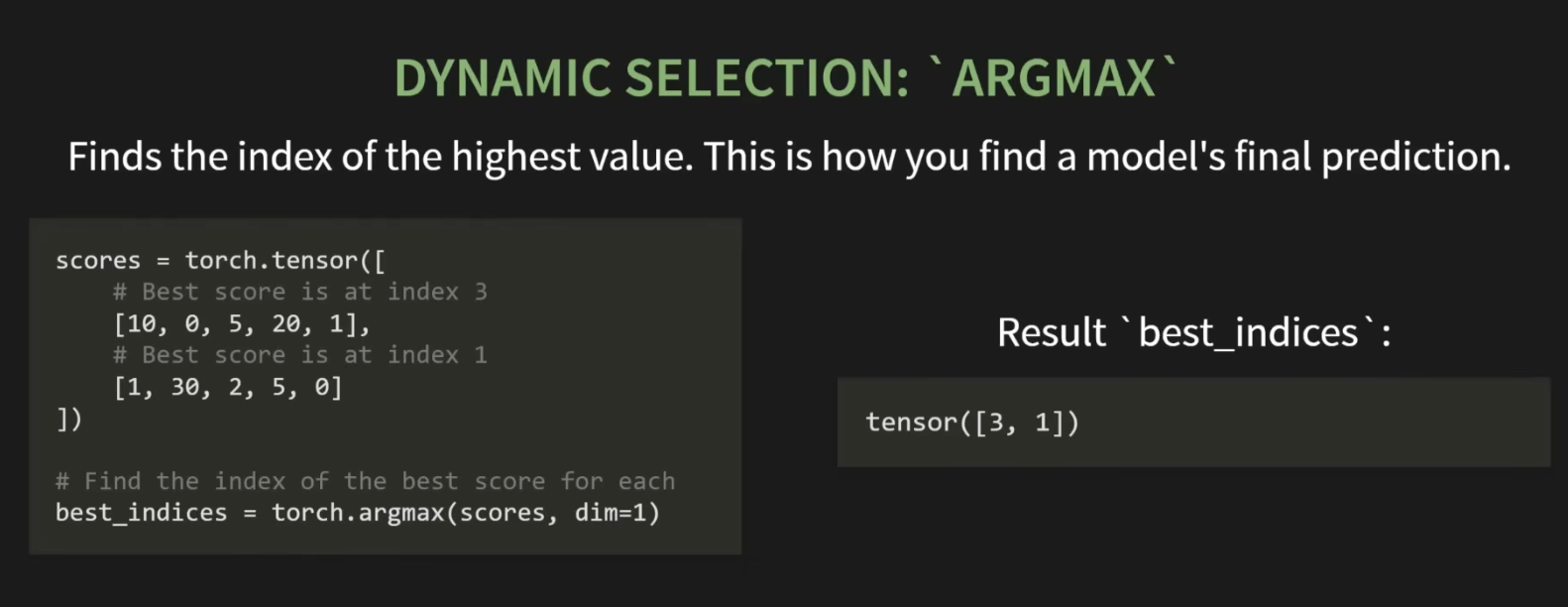
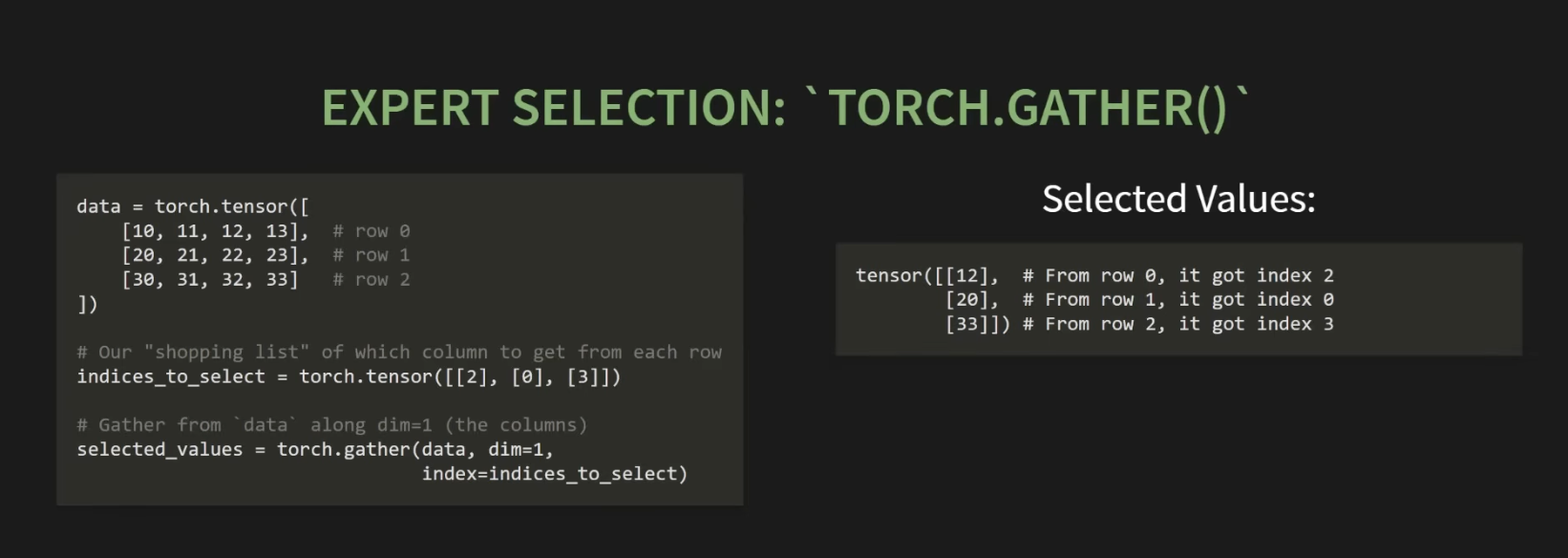
selecting data - basic and custom
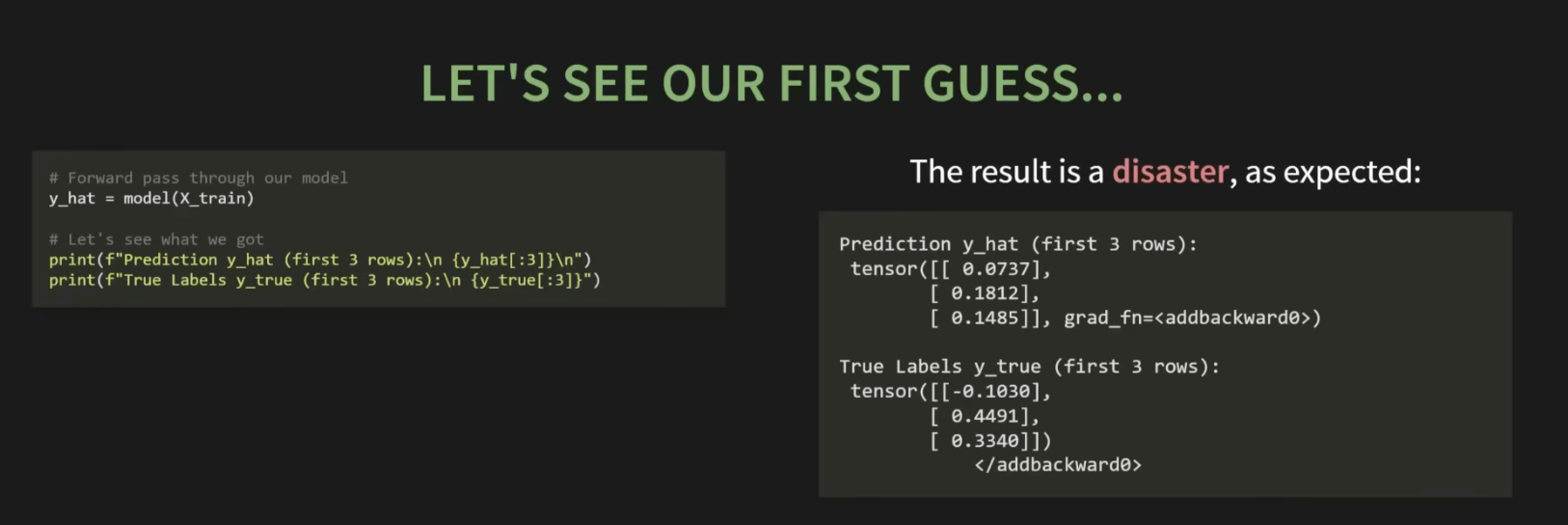
making forward pass
- model’s first guess
- simple linear regression ŷ = XW + b
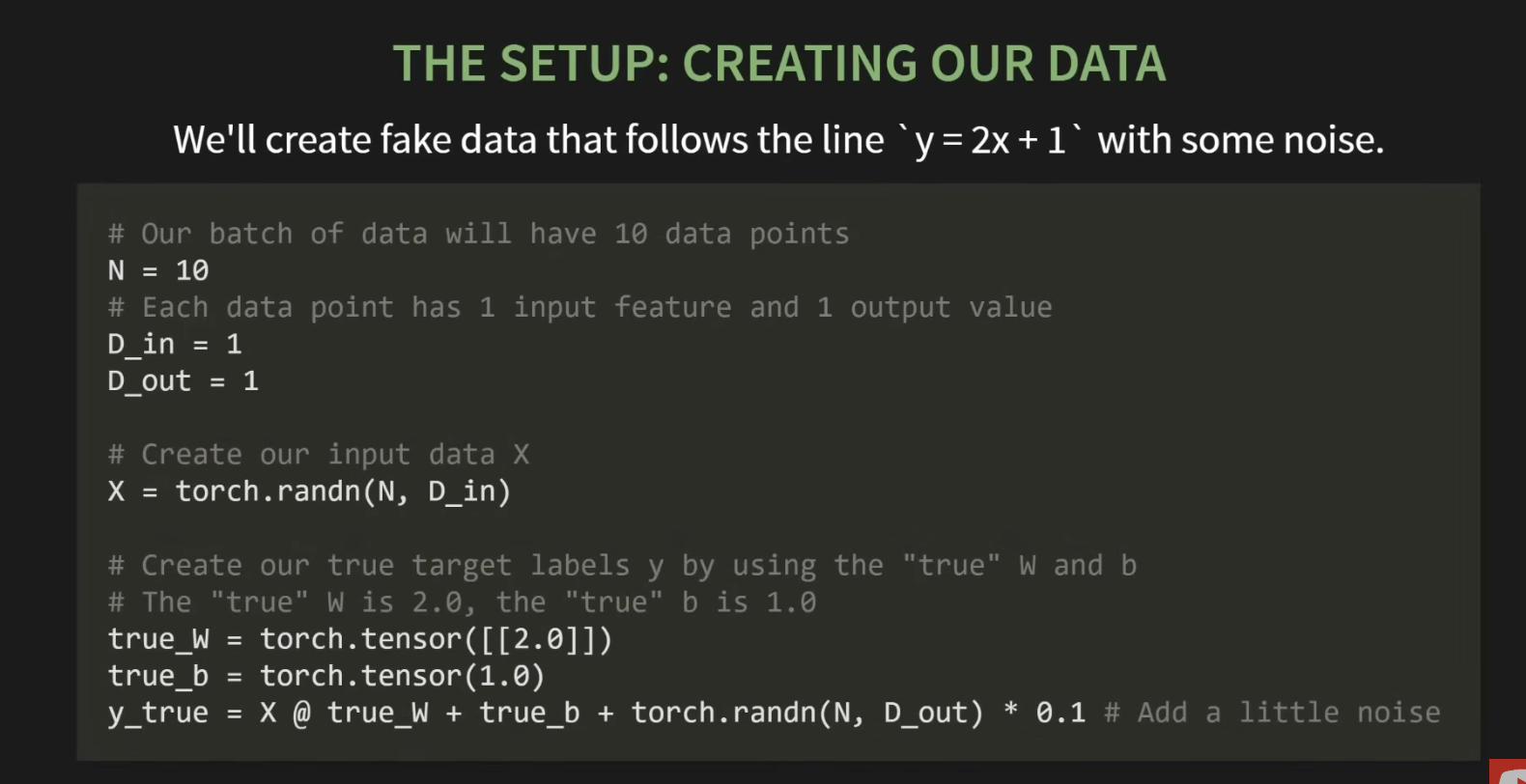
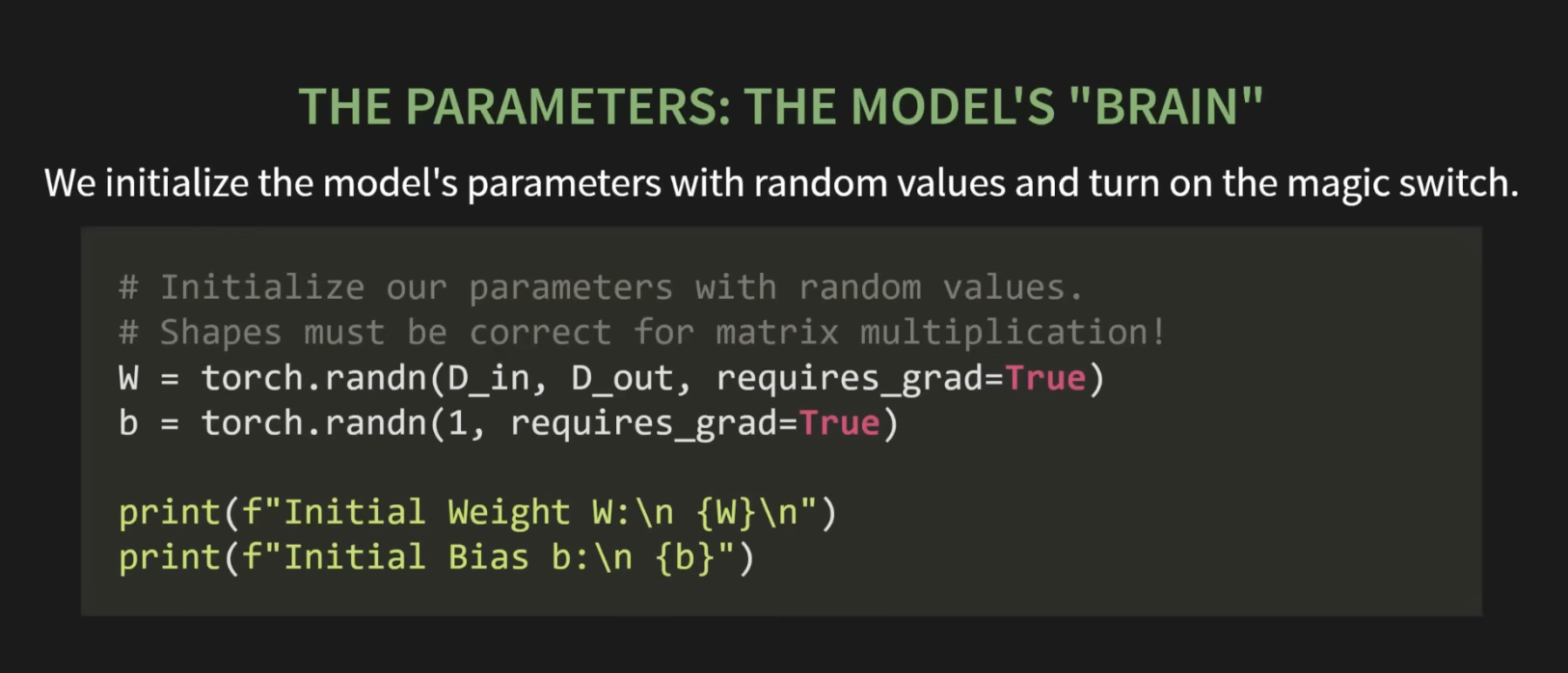
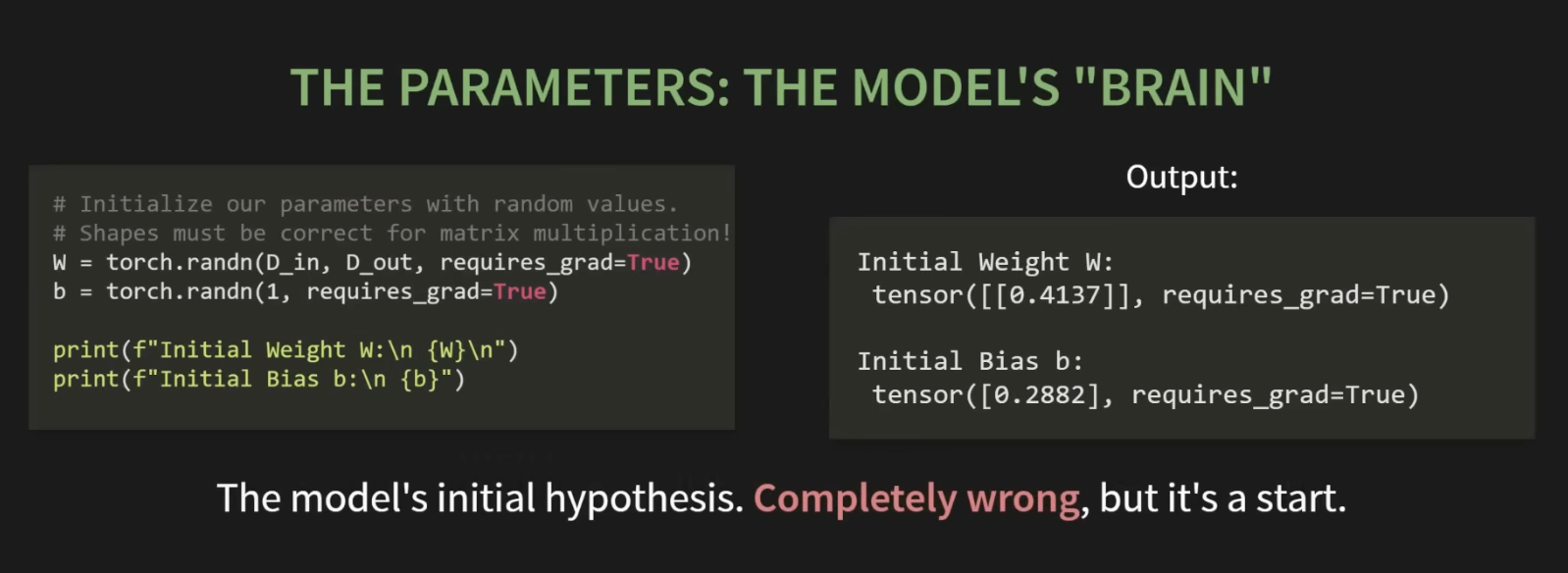
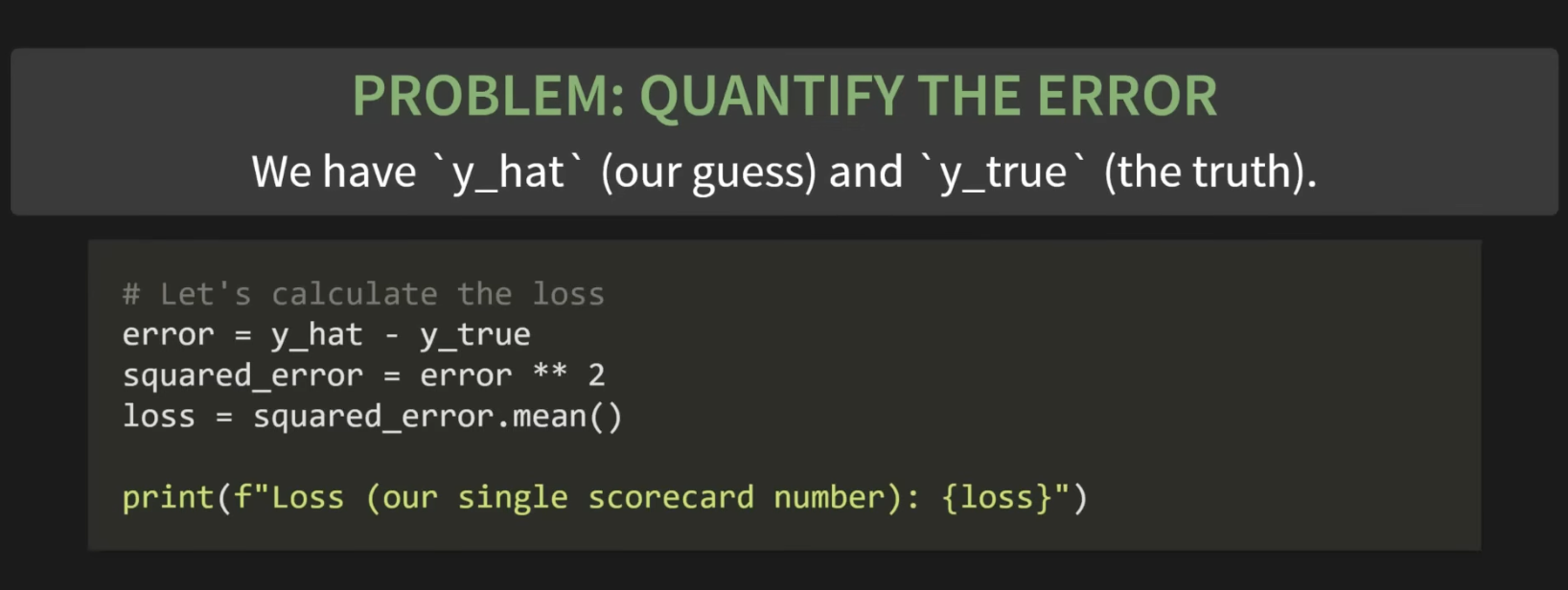
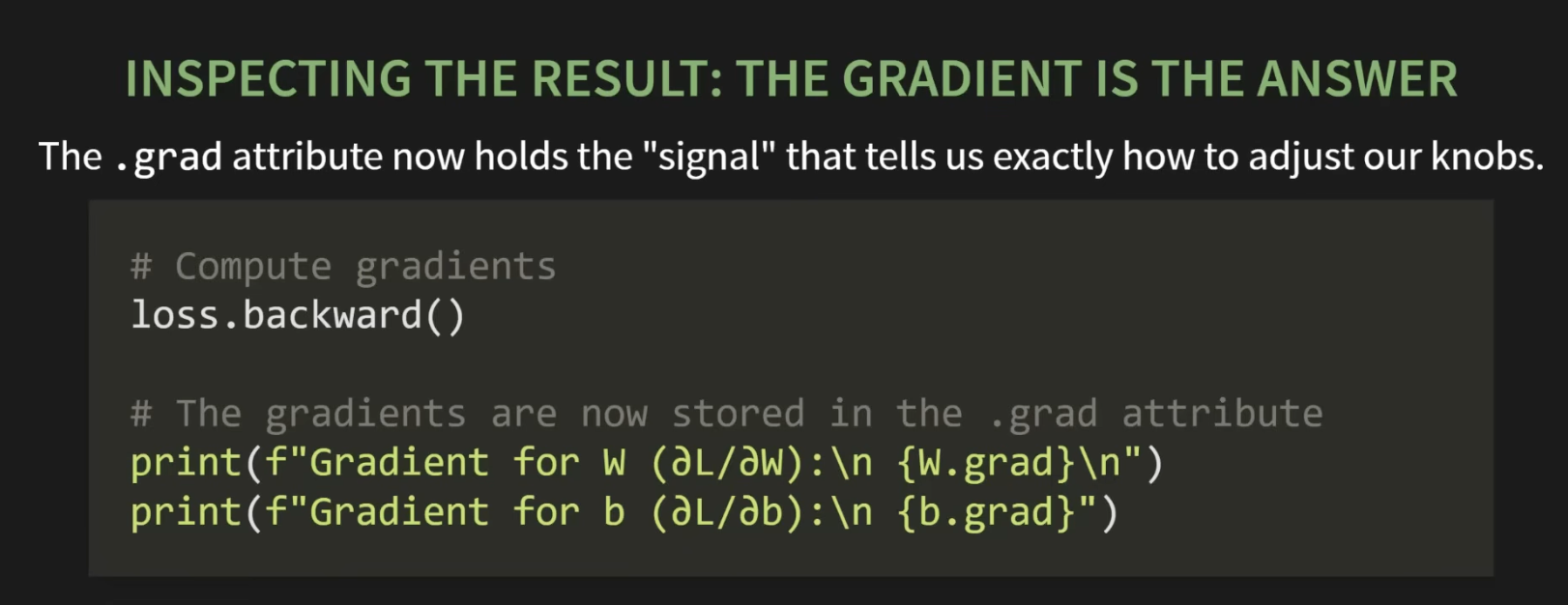
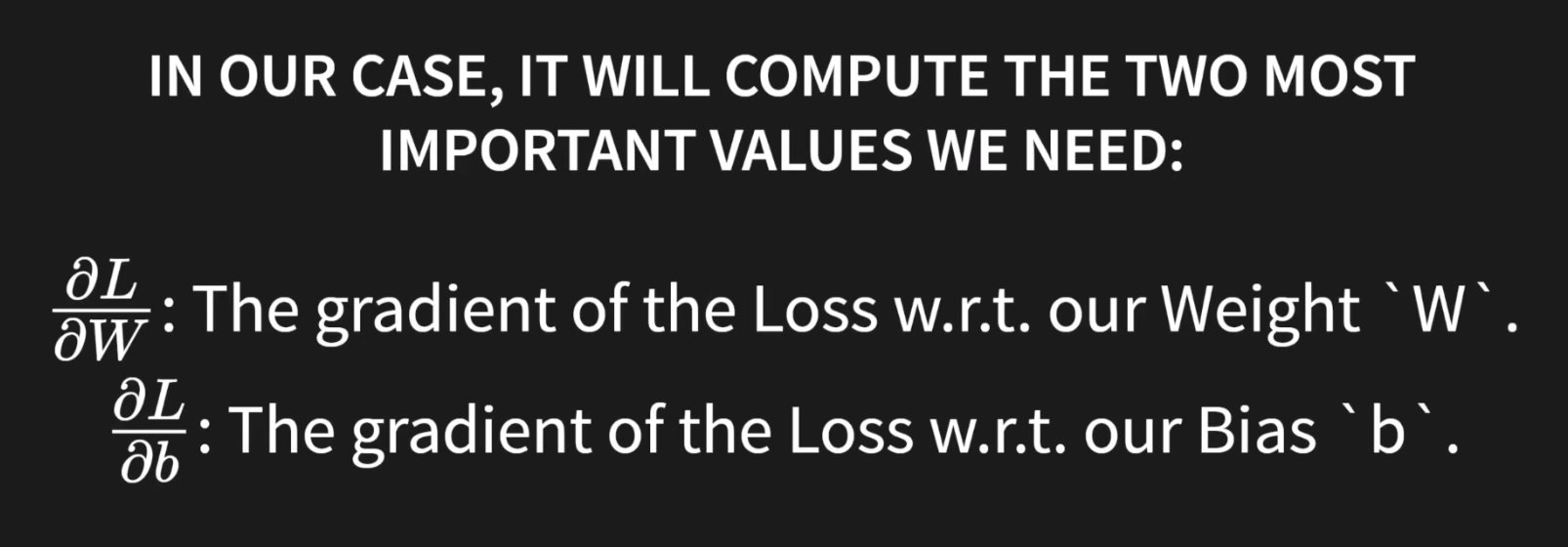 The magic command - loss.backward()
- calculates the gradient of the loss wrt to our weight “W”
- the gradient of the loss wrt to our Bias ‘b’ for all the terms that are present in the autograd graph that pytorch has built!
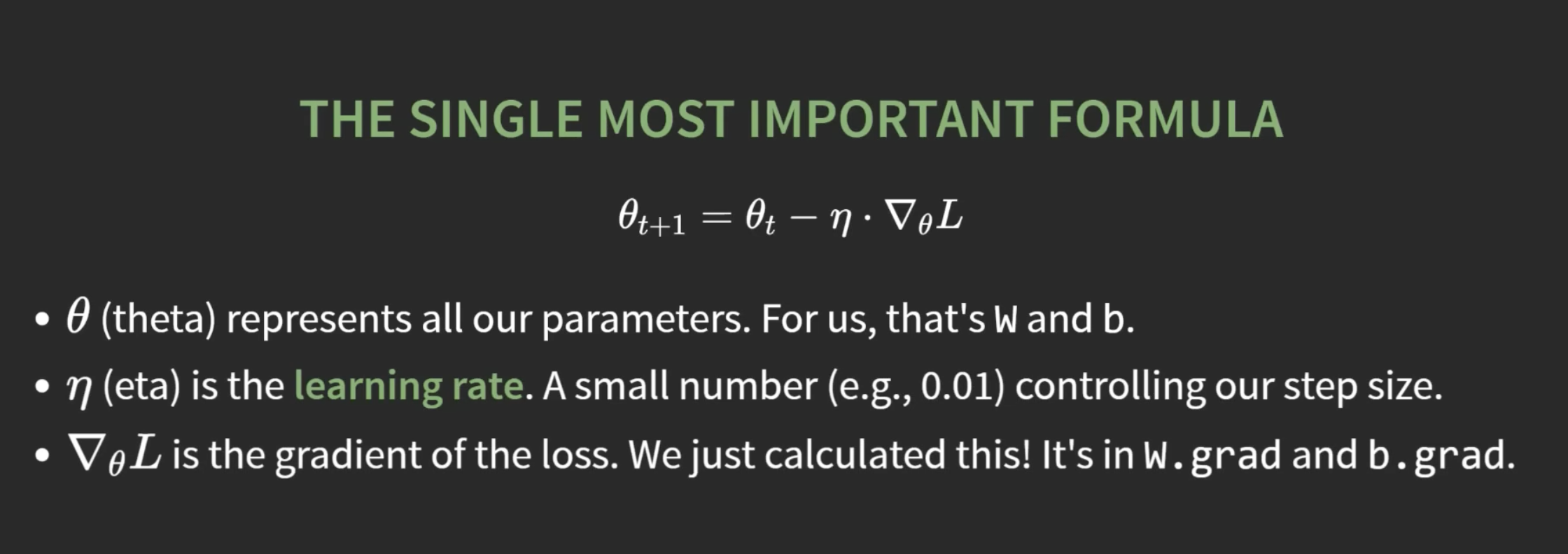
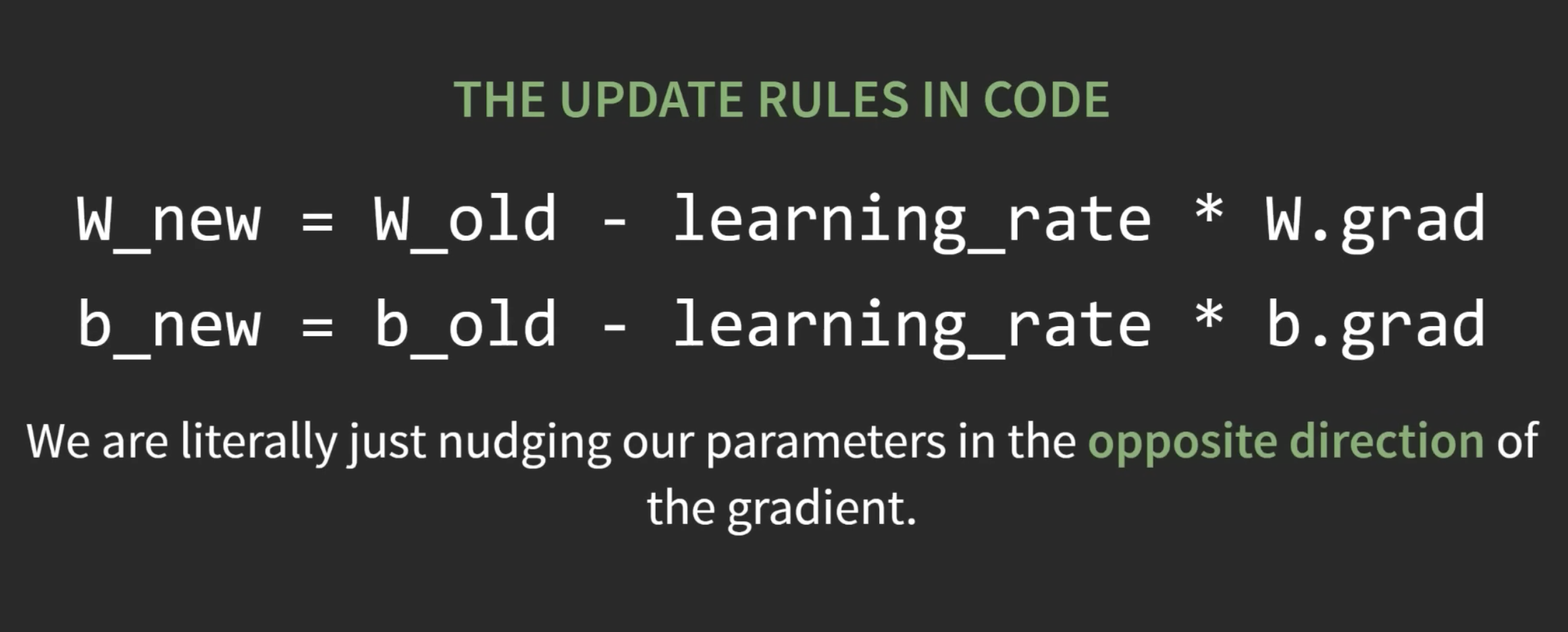
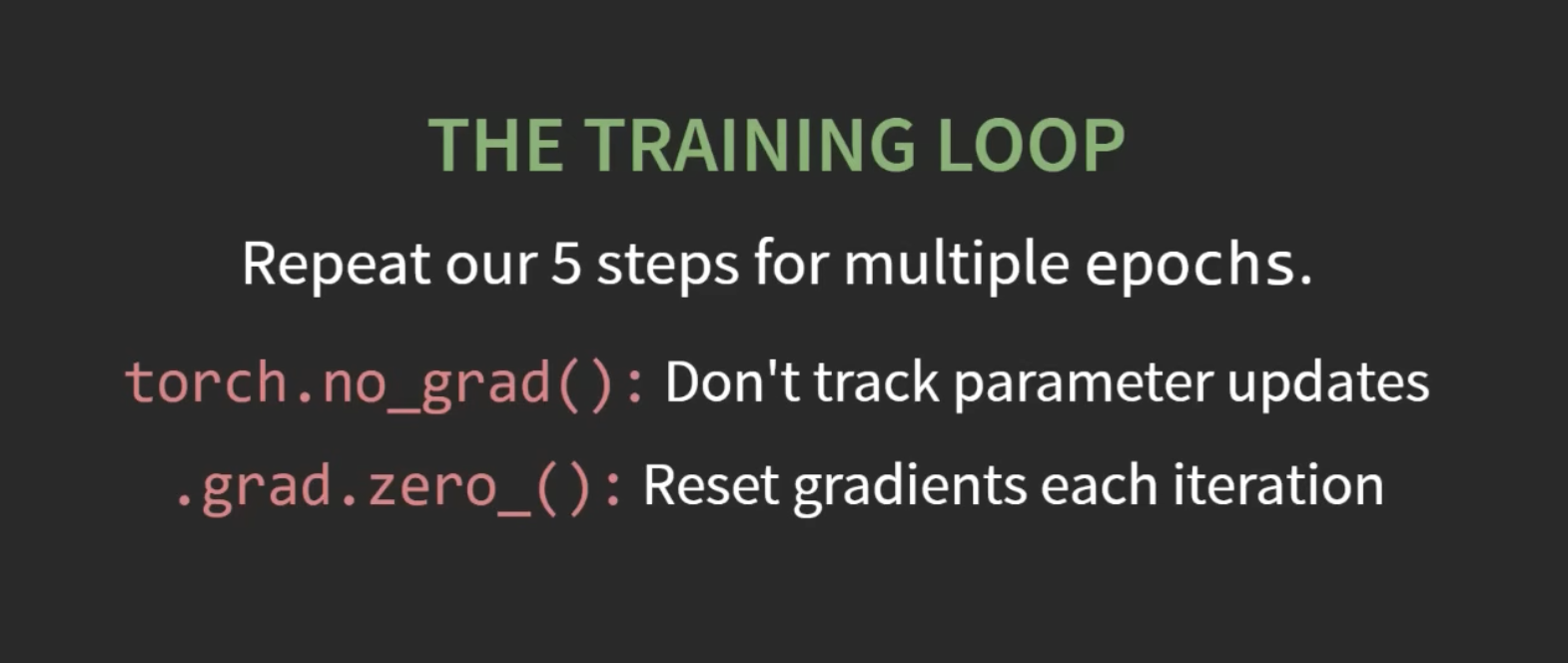
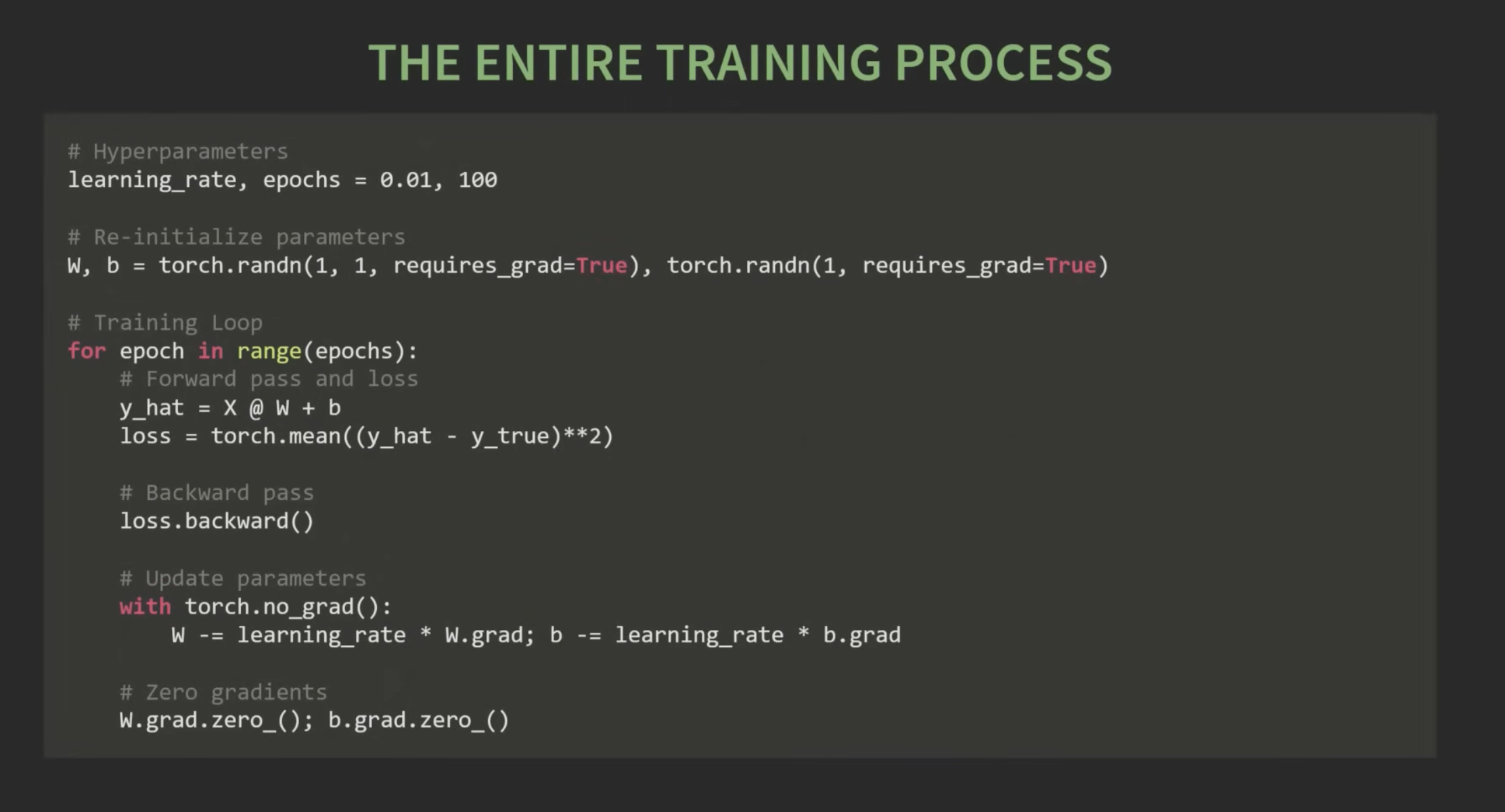
gradient descent
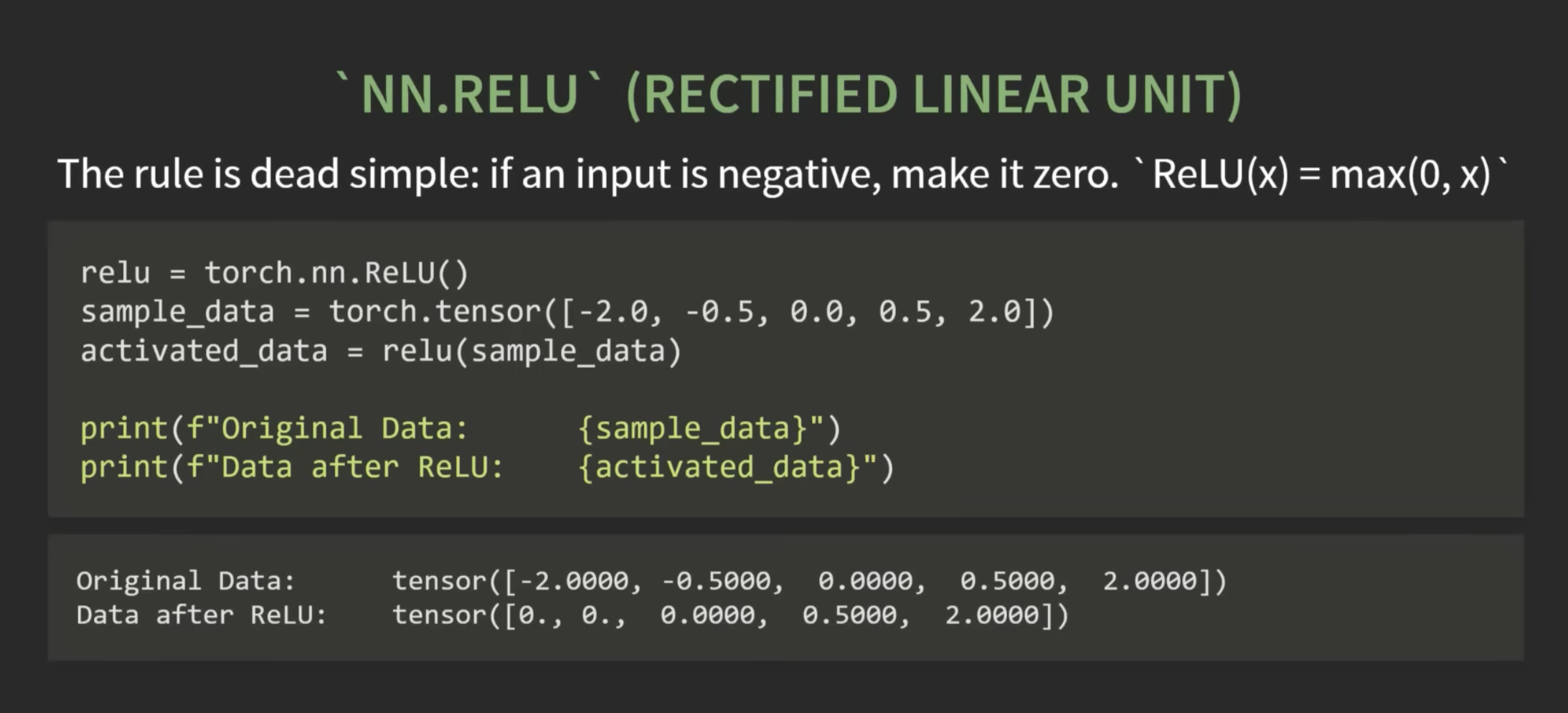
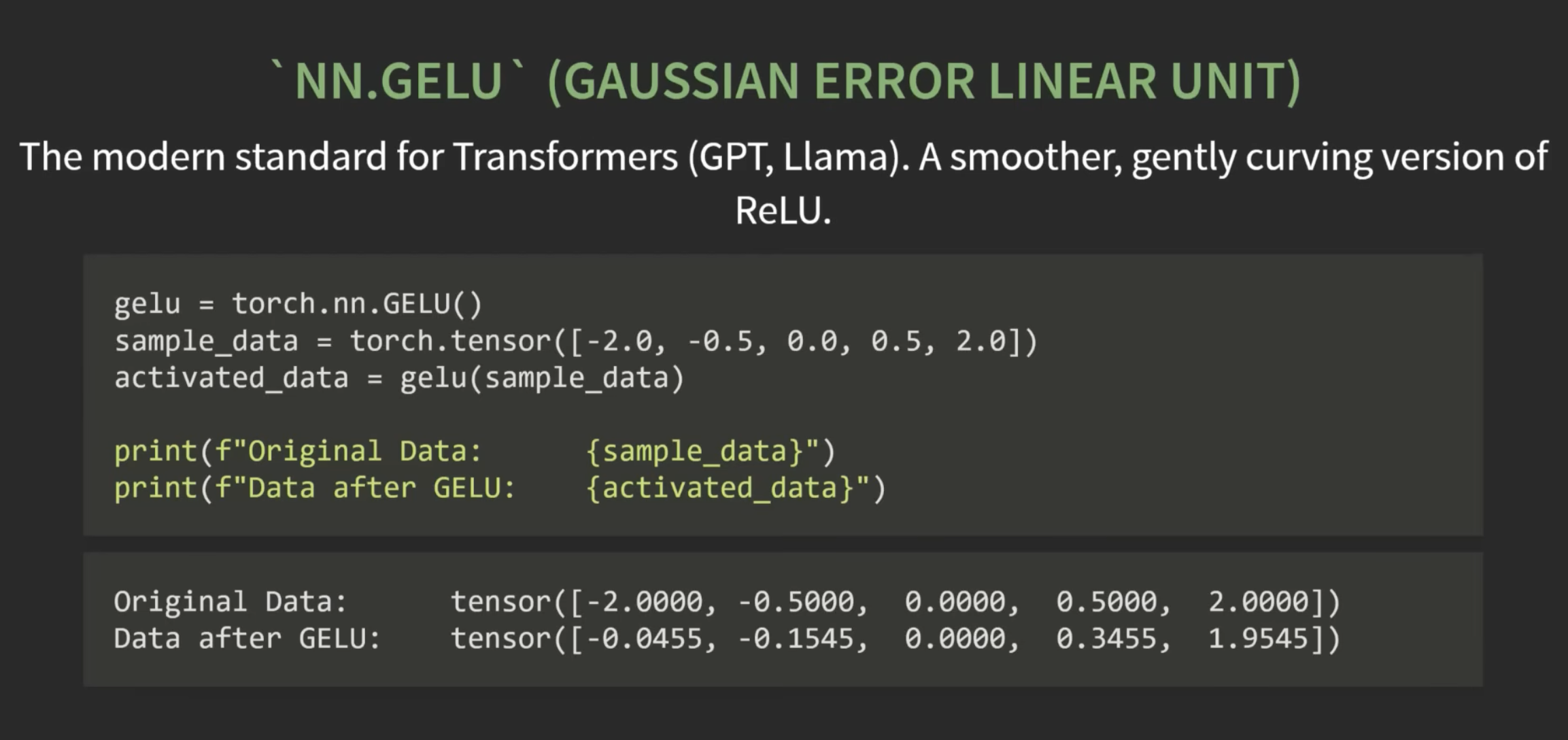
torch.nn
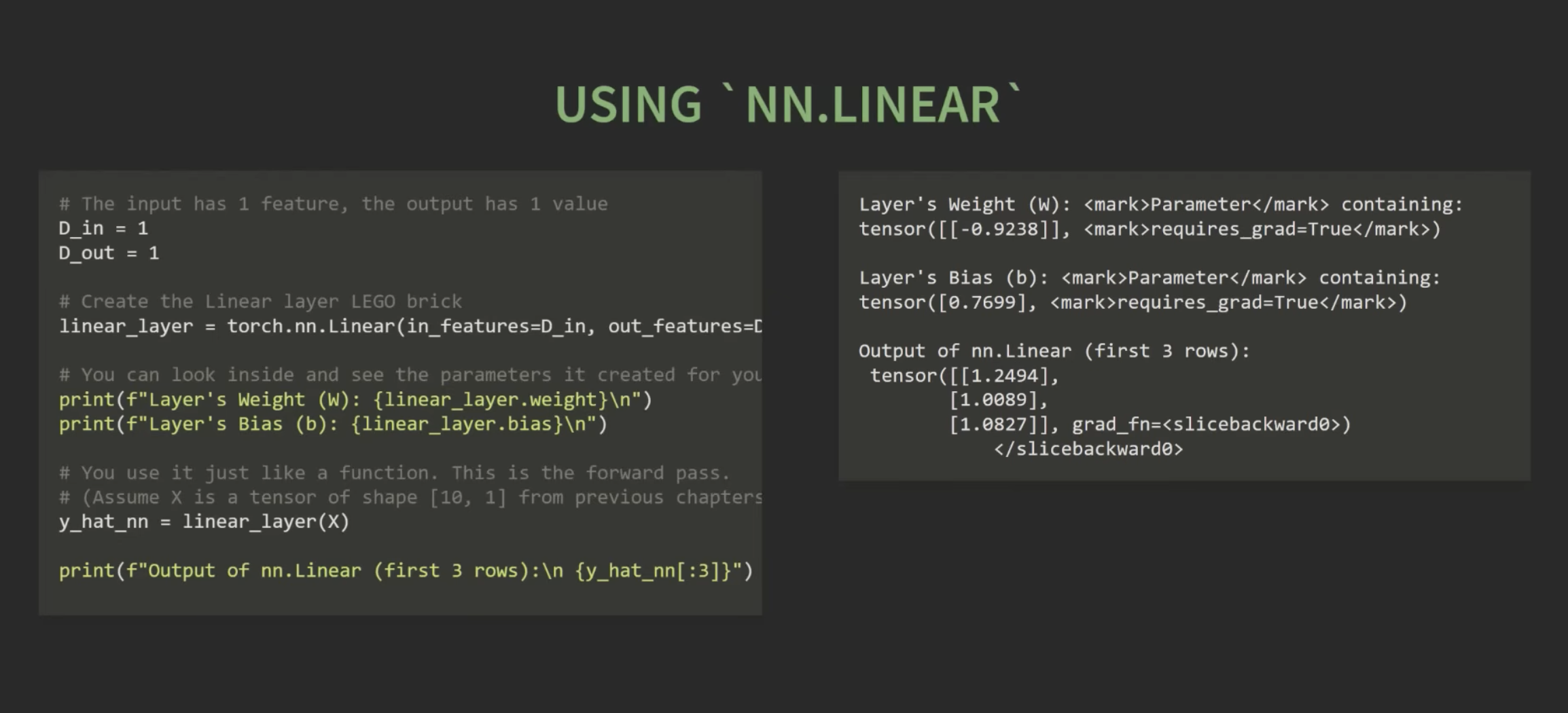
- torch.nn.Linear
Links:
202609072031