what is k9s and why is it needed?
- k9s is an open source terminal based ui that simplifies the management and monitoring of k8s clusters by providing an interactive way to view and manage resources like - pods, deployments, and services
- read - https://k9scli.io/
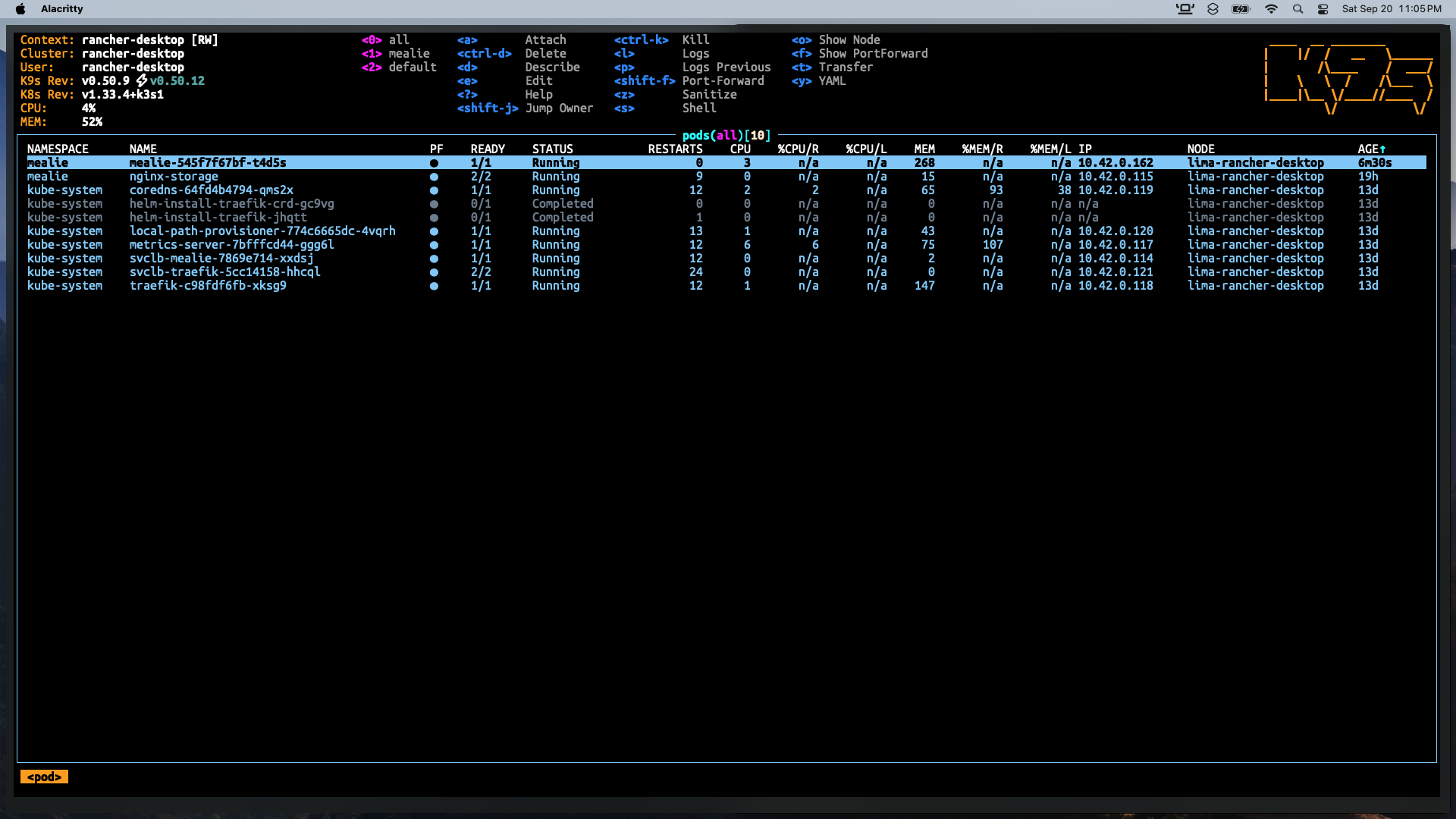
commands in k9s
- pressing num keys will list pods in specific namespaces ex- 0 (for all namespaces), 1 (for namespace a), 2 (for namespace b) etc.
- use vim navigations to travel the list (h, j, k, l)
- shift + a → sort based on age of the pod
- shift + s → sort based on status (running or completed)
- press “l” while on any pod to see its logs
- search anything like vim using ”/”
- : → change resources - pods, deployments, namespaces, services Note: to check logs natively using kubectl command do the following:
kubectl logs <podname> | less- attach to pods directly by pressing “s” by opening shell
- press “d” to go to the description of a pod
- shift + f → port forward options
- press “e” on any resource to edit it live
- press “y” to get the yaml for the resource
- ctrl + k to kill/delete a resource
- k9s is just like a native unix tool making the keybindings extremely evident Note: when doubtful use the ”?” on any resource to see the keybindings or refer official docs
Links:
202509201949