url to qr generator
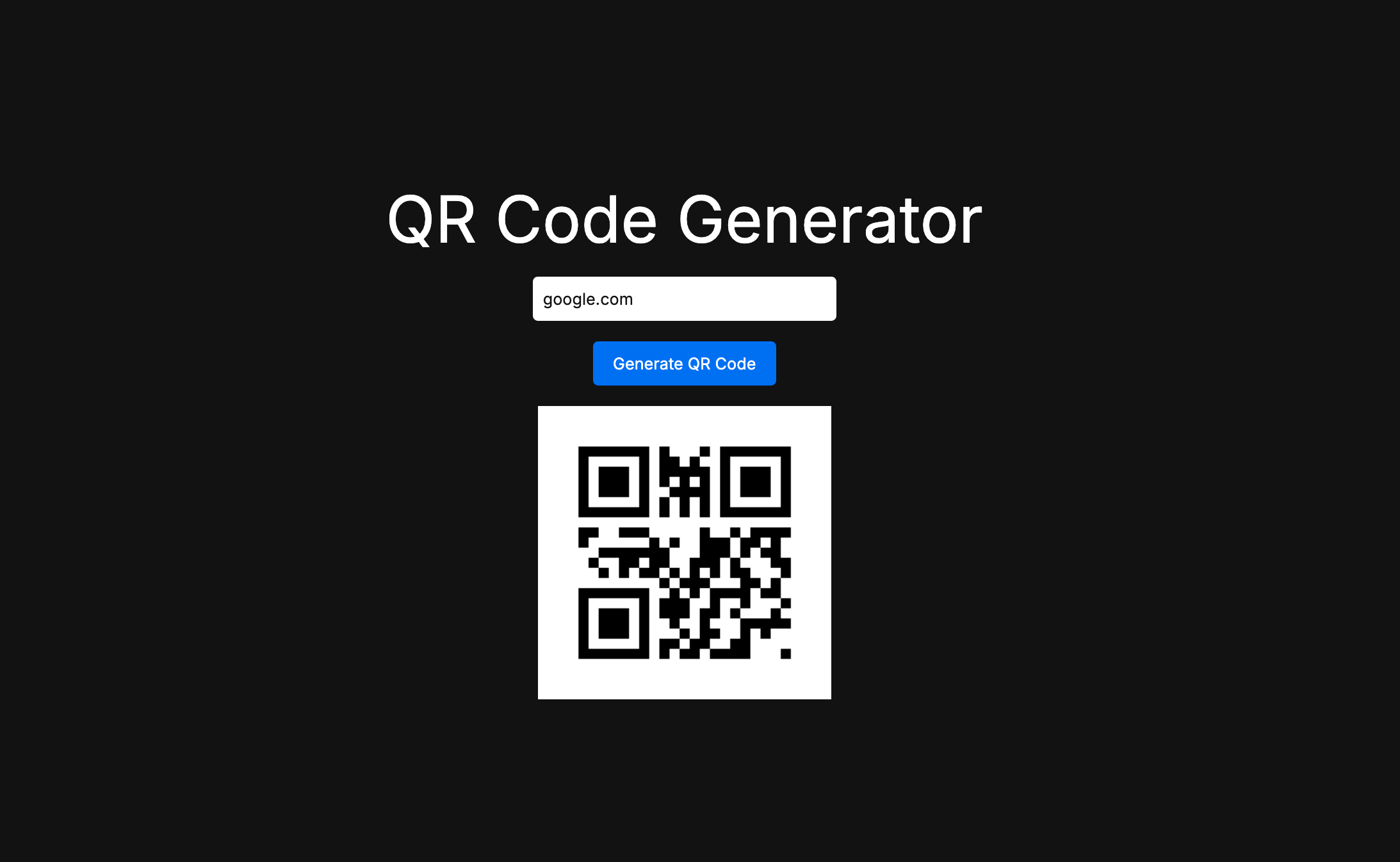
the purpose of this blog is to learn devops principles like containerization, cicd and monitoring by containerizing and deploying a simple app that converts urls to qr codes and stores them in AWS.
here is a brief architecture of the application
- user enters an url in the frontend (built with next.js)
- the backend (fastApi) converts it into a qr code for the url and stores it in AWS s3
here is the code for the backend fastApi app
from fastapi import FastAPI, HTTPException
from fastapi.middleware.cors import CORSMiddleware
import qrcode
import boto3
from botocore.config import Config
import os
from io import BytesIO
import logging

# Loading Environment variable (AWS Access Key and Secret Key)
from dotenv import load_dotenv
load_dotenv()

# Set up basic logging
logging.basicConfig(level=logging.INFO)
logger = logging.getLogger(__name__)

app = FastAPI()

# Allowing CORS for local testing
origins = [
    "http://localhost:3000"
]

app.add_middleware(
    CORSMiddleware,
    allow_origins=origins,
    allow_methods=["*"],
    allow_headers=["*"],
)

# AWS S3 Configuration
s3 = boto3.client(
    "s3",
    region_name="ap-south-1",
    aws_access_key_id=os.getenv("AWS_ACCESS_KEY"),
    aws_secret_access_key=os.getenv("AWS_SECRET_KEY"),
    config=Config(signature_version="s3v4")
)

bucket_name = 'qrcodebucket123'

@app.post("/generate-qr/")
async def generate_qr(url: str):
    logger.info(f"Received request to generate QR for URL: {url}")
    try:
        qr = qrcode.QRCode(
            version=1,
            error_correction=qrcode.constants.ERROR_CORRECT_L,
            box_size=10,
            border=4,
        )
        qr.add_data(url)
        qr.make(fit=True)
        img = qr.make_image(fill_color="black", back_color="white")
        logger.info("QR code generated successfully.")

        # Save QR Code to BytesIO object
        img_byte_arr = BytesIO()
        img.save(img_byte_arr, format='PNG')
        img_byte_arr.seek(0)

        # Generate file name for S3
        file_name = f"qr_codes/{url.split('//')[-1]}.png"
        logger.info(f"Uploading QR code to S3 bucket '{bucket_name}' with key '{file_name}'")

        # Upload to S3
        s3.put_object(
            Bucket=bucket_name,
            Key=file_name,
            Body=img_byte_arr,
            ContentType='image/png'
        )

        s3_url = s3.generate_presigned_url(
            'get_object',
            Params={'Bucket': bucket_name, 'Key': file_name, 'ResponseContentType': 'image/png'},
            ExpiresIn=3600
        )

        logger.info("Presigned URL:", s3_url);

        return {"qr_code_url": s3_url}

    except Exception as e:
        logger.error(f"Error in QR code generation or S3 upload: {e}")
        raise HTTPException(status_code=500, detail=str(e))
the frontend is a simple next.js app that makes a call to the backend api once the user enters any url and clicks on generate qr code
step-1: containerize the app with docker
Dockerfile for backend:
FROM python:3.11-slim

# set the working directory in the container
WORKDIR /usr/src/app

# copy the dependencies file to the working directory
COPY requirements.txt ./

# install dependencies
RUN pip install --no-cache-dir -r requirements.txt

# copy the content of the local src directory to the working directory
COPY . .

# command to run on container start
CMD ["uvicorn", "main:app", "--host", "0.0.0.0", "--port", "80"]
Dockerfile for frontend:
FROM node:18-alpine AS base

# Set working directory
WORKDIR /app

# Install dependencies
COPY package.json yarn.lock* package-lock.json* pnmp-lock.yaml* ./

RUN \
  if [ -f yarn.lock ]; then yarn install --frozen-lockfile; \
  elif [ -f package-lock.json ]; then npm ci; \
  elif [ -f pnpm-lock.yaml ]; then yarn global add pnpm && pnpm install; \
  else echo "Lockfile not found." && exit 1; \
  fi

# Copy the rest of the application code
COPY . .

# Build the application
RUN npm run build

EXPOSE 3000

# Start the application
CMD ["npm", "start"]
step-2: push docker images to dockerhub
# for backend

# tag the local image
docker tag url-to-qr:latest aniketpathak028/url-to-qr:latest

# push to dockerhub
docker push aniketpathak028/url-to-qr:latest

# for frontend

# tag the local image
docker tag url-to-qr-frontend:latest aniketpathak028/url-to-qr-frontend:latest

# push to dockerhub
docker push aniketpathak028/url-to-qr-frontend:latest
step-3: add github actions for cicd
create a folder structure .github/workflows and create a file build-docker.yml which will contain our github actions workflow
name: Build and Push image to Docker Hub
on:
    #[workflow_dispatch] provides a button to trigger the workflow instead of running automatically
    push:
        branches:
            - main
        paths:
            - "api/*"
            - "front-end-nextjs/*"

jobs:
    publish_images:
        runs-on: ubuntu-latest
        steps:
            - name: checkout
              uses: actions/checkout@v4
            - name: build image
              run: |
                docker build ./api/ -t aniketpathak028/url-to-qr:latest
                docker build ./front-end-nextjs/ -t aniketpathak028/url-to-qr-frontend:latest
            - name: push image to docker hub
              run: |
                docker login -u aniketpathak028 -p ${{ secrets.DOCKERHUB_TOKEN }}
                docker push aniketpathak028/url-to-qr:latest
                docker push aniketpathak028/url-to-qr-frontend:latest
this creates a github action workflow which gets triggered when we push to the main branch and it automatically generates the docker image and pushes it to docker hub
make sure to add dockerhub access token to repository secrets in the github repo so that github can authenticate while pushing the image in dockerhub!
Links:
devops docker cicd terraform kubernetes
202510012352