dockerfile
a dockerfile is a step by step instruction to create a docker image, sort of like a recipe to create a dish!
it is something that we need to define in a file named as Dockerfile inside our root directory of the application we want to containerize something like this:
# starting with a base image
FROM python:3.9

# define the current working directory in the container
WORKDIR /code

# copy requirements of the app to the current working dir
COPY requirements.txt .

# install requirements in the container
RUN pip install -r /code/requirements.txt

# copy remaining files in the app
COPY . .

# start the app inside the contianer
ENTRYPOINT ["fastapi"]
CMD ["run", "main.py", "--port", "80"]
the WORKDIR instruction sets the current working directory inside the container for all the subsequent instructions COPY, ADD, RUN, CMD etc. so from this line onwards docker assumes everything happens inside the WORKDIR
Difference between ENTRYPOINT and CMD
- ENTRYPOINT is a command that is always fixed for the application for example in the above dockerfile it is
fastapisince this application is written usingfastapiso we cannot change it to django or flask for instance, the framework remains the same in the image everytime an image is created! - CMD contains those commands which can be customized for the image, for example the port number or the command to start the application etc.
to build an image with this dockerfile we can simple use the command
docker build -t "image-name" . # . is for the current directory

docker run -d --name "container-name" -p 80:80 "image-name"
# run the container with the image and forward port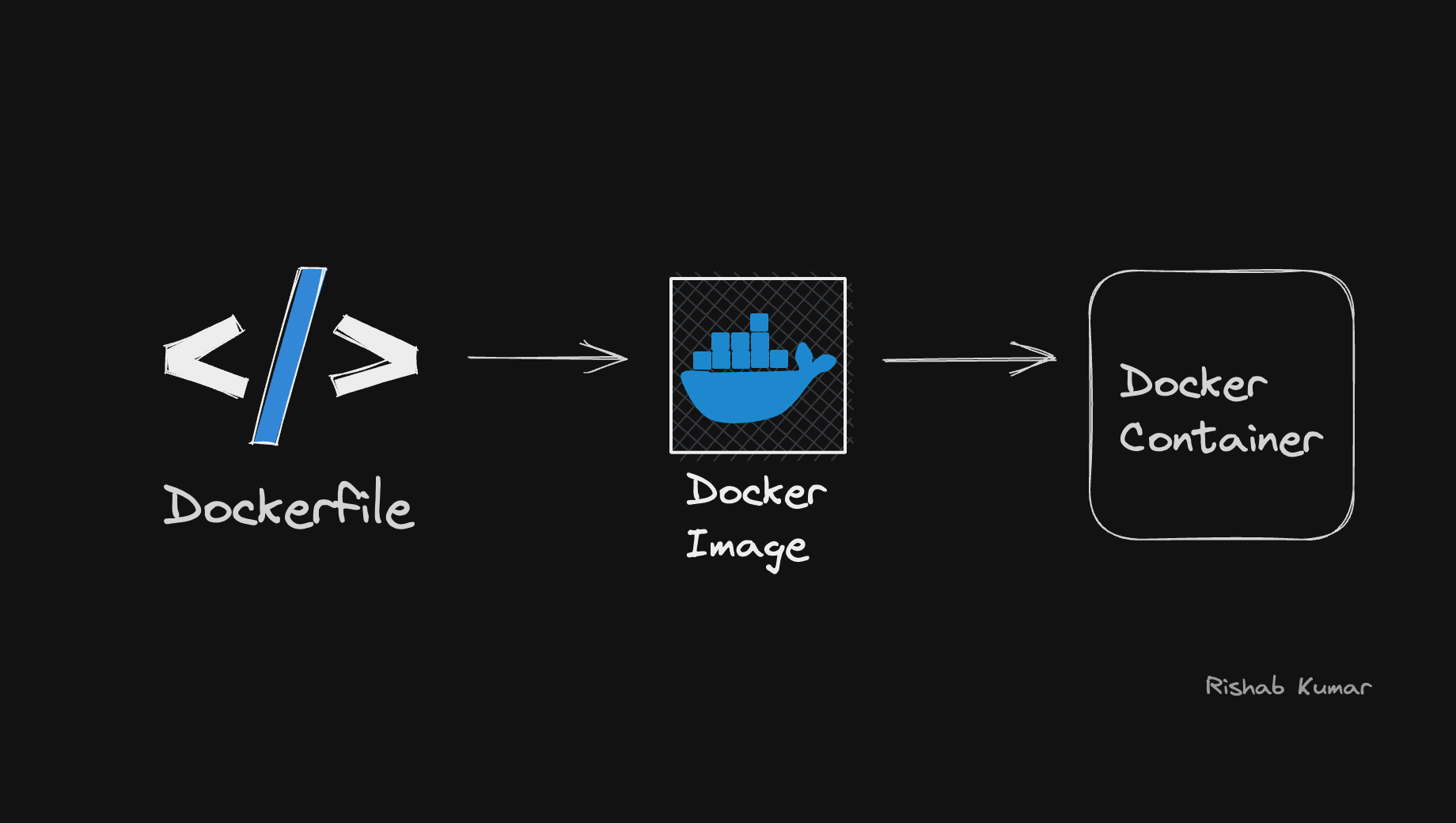
Links:
202510020045